
Download DuckCapture – Free Secure Screen Capture Tool for Windows, macOS & Linux
Overview
DuckCapture is a lightweight yet surprisingly capable screen capture utility that aims to keep the screenshot process fast, intuitive, and adaptable to a wide range of everyday scenarios. Whether you need a single window snapshot, a specific region, a scrolling (rolling) view, or a full‑screen grab, DuckCapture offers ready‑made presets that eliminate the guesswork usually associated with traditional snipping tools. The interface follows a clean, duck‑themed design that feels both playful and professional, making it suitable for casual users, educators, and small‑business teams alike.
While the core feature set focuses on still image capture, the tool does not stop at mere pixel collection – it incorporates basic annotation capabilities such as highlighting, text boxes, and simple shapes, allowing you to emphasize key areas without resorting to third‑party editors. Output formats are flexible, supporting BMP, JPG, and PNG, and you can assign hotkeys to any capture mode for a truly hands‑free workflow. For power users, DuckCapture opens the door to custom scripts, letting you extend functionality beyond the bundled options.
Although it lacks native video capture, its simplicity, zero‑cost model, and cross‑platform support make it a strong contender for anyone looking to replace the default OS snipping tool with something a bit more polished. In the sections that follow, we’ll dive deeper into the feature list, installation steps, compatibility matrix, and the real‑world pros and cons that shape the overall user experience.
Key Features & Capabilities
- Multiple Capture Modes: Full‑screen, active window, custom region, and scrolling (rolling) capture.
- Preset Shortcuts: Assign keyboard shortcuts to any capture type for instant access.
- Basic Annotation Tools: Highlight, add text notes, arrows, and simple shapes directly on the screenshot.
- Multi‑Area Composition: Combine several captured regions into a single image without leaving the app.
- Custom Output Formats: Save images as BMP, JPG, or PNG with configurable quality settings.
- Script Extensibility: Write your own scripts (e.g., PowerShell, Bash) to automate repetitive tasks or integrate with other workflows.
- Cross‑Platform Support: Native binaries for Windows, macOS, and Linux.
- Lightweight Installer: Under 10 MB download size, minimal system footprint.
- Secure and Private: All processing occurs locally; no cloud upload unless you choose to share manually.
Installation & Usage Guide
Getting started with DuckCapture is intentionally straightforward. First, head to the official website
and click the “Download” button that matches your operating system. The installer for Windows is a standard
.exe package, macOS provides a .dmg bundle, and Linux users receive a compressed
.tar.gz archive. After the download completes, run the installer (or extract the archive on
Linux) and follow the on‑screen prompts – the process typically takes less than a minute.
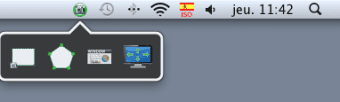
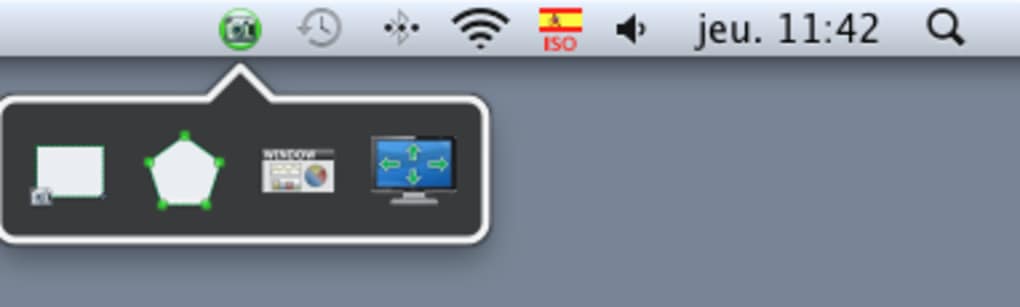
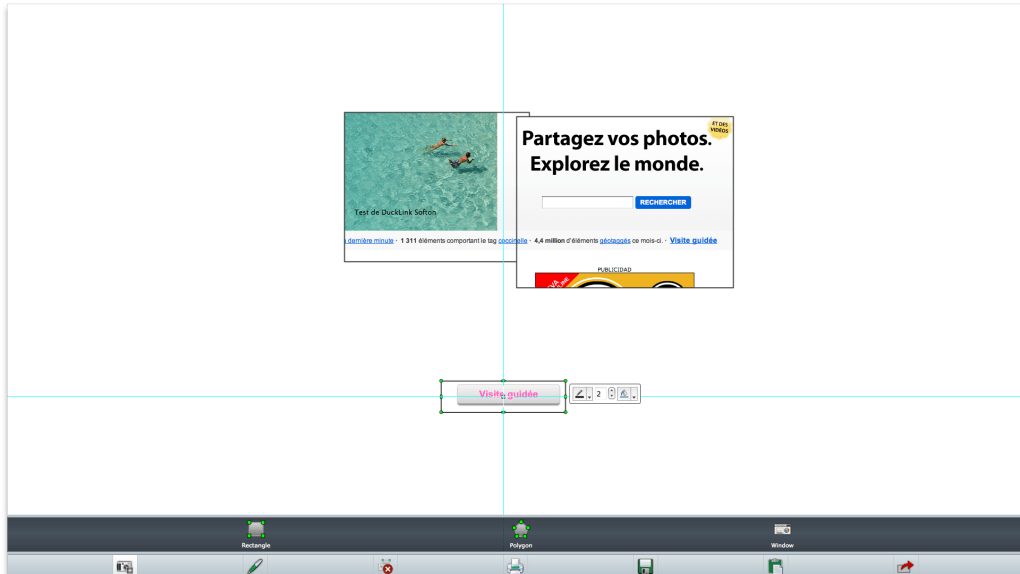
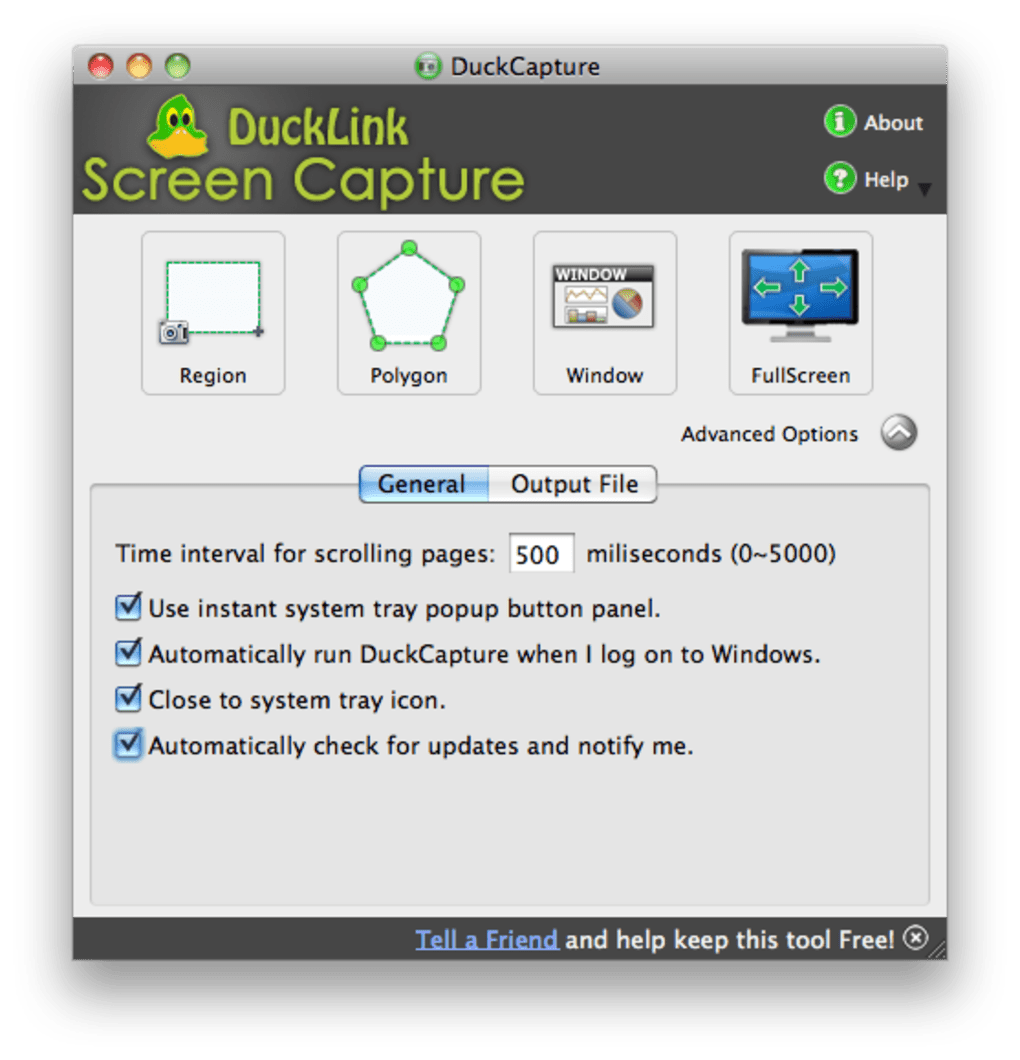
Once installed, launch DuckCapture from the start menu, Applications folder, or your desktop shortcut. The main window presents four large icons representing the capture presets: Full Screen, Window, Region, and Rolling Capture. Clicking any icon immediately activates the corresponding mode, overlaying a semi‑transparent mask on your display. For region captures, simply click and drag to define the area; for rolling captures, select the scrollable window and DuckCapture will automatically stitch the vertical content into one image. After a capture finishes, a preview pane appears where you can add annotations using the toolbar on the right – choose a highlight color, insert a textbox, or draw an arrow to point out details.
To streamline repetitive work, open the Settings dialog (gear icon) and navigate to the “Shortcuts” tab. Here you can assign global hotkeys such as Ctrl + Shift + S for full‑screen capture or Ctrl + Alt + R for region capture. These shortcuts work even when DuckCapture is minimized, making it perfect for developers who need quick screenshots during debugging sessions.
For advanced users, the “Scripts” section lets you point to an external script file that runs after each capture – you could automatically upload the image to an internal server, rename it based on a timestamp, or trigger a notification in Slack. Finally, use the “Export” button to choose the file format and destination folder. The application remembers your last used format, so you rarely need to change settings again.
Compatibility, Pros & Cons
Supported Operating Systems
DuckCapture has been built with cross‑platform compatibility in mind. Official binaries are available for Windows 7, 8, 10, and 11 (64‑bit), macOS 10.13 (High Sierra) and later, as well as major Linux distributions such as Ubuntu, Fedora, and Debian. The Linux version runs under X11 and Wayland, though some advanced scrolling captures may require X11 for full functionality. Because the application is native rather than Java‑based, performance remains snappy on older hardware, and there are no runtime dependencies beyond the standard C++ runtime libraries that come with the OS.
Pros
- Free to use with no hidden fees or subscription model.
- Simple, uncluttered UI that’s easy for beginners to master.
- Multiple capture presets cover most everyday screenshot needs.
- Customizable hotkeys boost productivity for power users.
- Scriptable extensions enable automation and integration with existing pipelines.
- Low system impact; runs smoothly on modest machines.
- All data stays local, ensuring privacy and security.
Cons
- No built‑in video or animated GIF capture.
- Annotation tools are basic compared to dedicated image editors.
- Rolling capture may struggle with complex web pages that load content dynamically.
- Linux support, while solid, lacks a polished installer (requires manual extraction).
- No cloud sync or direct sharing features; you must upload manually.
Frequently Asked Questions
Is DuckCapture really free or does it have hidden costs?
Yes, DuckCapture is completely free. There are no premium tiers, in‑app purchases, or subscription fees. All features listed on the website are available to every user after installation.Can I capture scrolling windows on macOS?
Scrolling (rolling) capture works on macOS, but it relies on the native accessibility APIs. For the best results, ensure you grant DuckCapture permission under System Settings → Security & Privacy → Accessibility. Some modern web pages that load content dynamically may require a manual scroll and multiple captures.How do I assign custom keyboard shortcuts?
Open the Settings dialog (gear icon) and go to the “Shortcuts” tab. Click on a capture mode, press the desired key combination, and confirm. The shortcut becomes global, meaning it works even when DuckCapture is minimized or hidden.Is there a way to automate saving screenshots to a network drive?
Absolutely. DuckCapture’s script engine lets you run a custom script after each capture. Write a simple batch, PowerShell, Bash, or AppleScript that moves the generated file to a network location, then point the “Post‑capture script” field to that file in the Settings menu. This feature is popular in corporate environments where centralized storage is required.Does DuckCapture support high‑DPI (Retina) displays?
Yes, the application detects the screen’s DPI scaling and captures screenshots at the native resolution. Images saved on Retina or high‑DPI monitors retain their sharpness, and annotations are rendered proportionally to avoid pixelation.Conclusion & Call to Action
DuckCapture delivers exactly what its name promises – a quick, reliable, and free way to capture anything on your screen without the bloat of enterprise‑grade suites. Its core strength lies in its simplicity: a handful of intuitive presets, easy‑to‑assign shortcuts, and modest annotation tools that get the job done for most users. While power users may miss advanced video capture or cloud integration, the open‑script architecture offers a pathway to customize the workflow far beyond the out‑of‑the‑box experience. If you’re looking for a no‑cost solution that respects privacy, runs smoothly on Windows, macOS, or Linux, and lets you extend functionality with a few lines of code, DuckCapture is a solid pick.
Ready to streamline your screenshot workflow? Download DuckCapture now and start capturing instantly. Feel free to explore the scripting options, assign your favorite shortcuts, and join the community forum for tips on maximizing productivity. Your feedback helps shape future updates, so don’t hesitate to share your experience.
Pros: Free, lightweight, cross‑platform, scriptable, easy shortcuts.
Cons: No video capture, basic annotations, limited Linux installer.







